# Minigames

*/games*

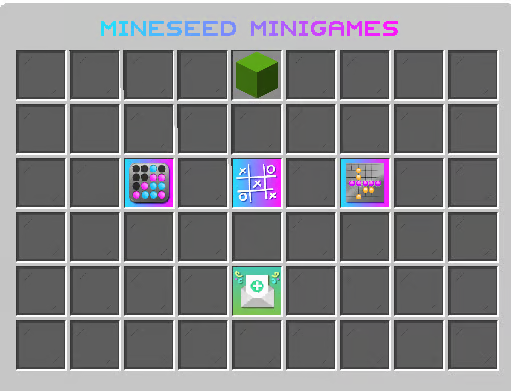
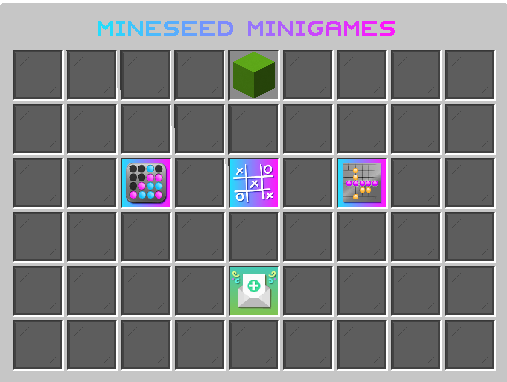
Mineseed features three minigames that you can play anytime you want! Use the command **/games** to see the menu to either challenge the computer for free or other players for fun or bet up to $100,000.

### Available Games

**Connect Four**: Connect your assigned color for four in a row horizontally, vertically, or diagonally.

**Tic Tac Toe**: Be the first to get three in a row

**Mini Gomoku**: Similar to Connect Four, build a line of five in a row.

### Playing against another player

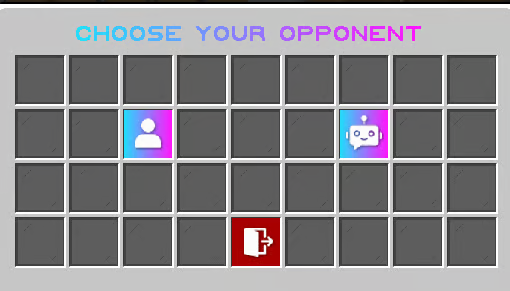
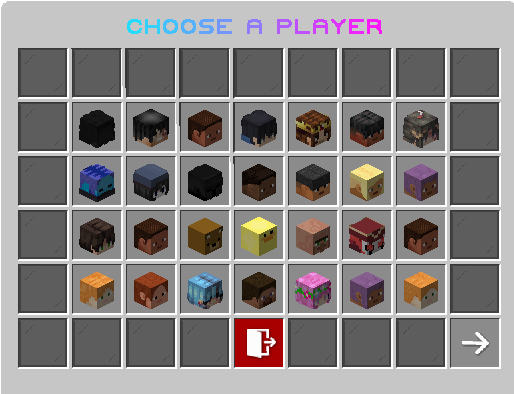
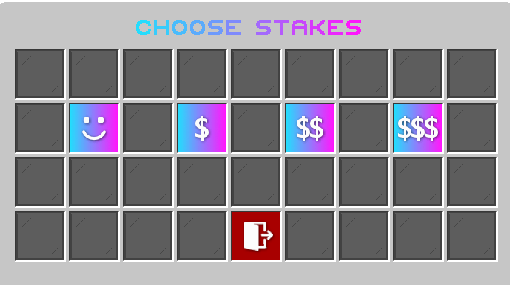
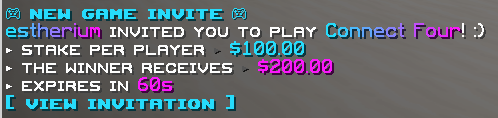
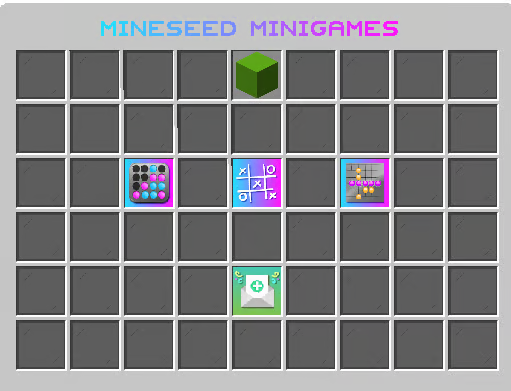
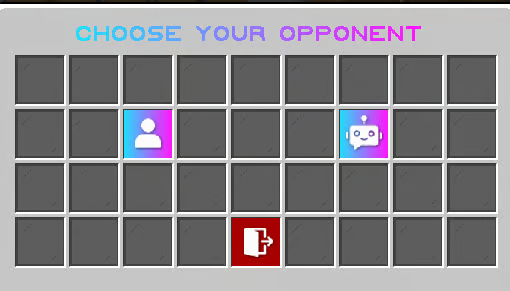
<table id="bkmrk-in-the-%2Fgames-menu%2C-"><thead><tr><th>In the **/games** menu, select which game you would like to play.</th><th>![](https://wiki.mineseed.org/uploads/images/gallery/2026-11/image-315.png)</th></tr></thead><tbody><tr><td>Next, select whether you'd like to play against another player or against the computer. The player icon is the left icon and the computer icon is the right icon.</td><td>![](https://wiki.mineseed.org/uploads/images/gallery/2026-11/image-316.png)</td></tr><tr><td>If you'd like to play against another player, select the head of the player against which you'd like to play:</td><td>![](https://wiki.mineseed.org/uploads/images/gallery/2026-11/image-314.png)</td></tr><tr><td>Select the stakes (for fun, $100, $1,000, or $10,000)</td><td>![](https://wiki.mineseed.org/uploads/images/gallery/2026-11/image-317.png)</td></tr><tr><td>Your opponent will receive a notification in their chat:</td><td>![](https://wiki.mineseed.org/uploads/images/gallery/2026-11/image-318.png)</td></tr><tr><td>Once your opponent accepts the game, it will begin. View pending invites by clicking the bottom green button:</td><td>![](https://wiki.mineseed.org/uploads/images/gallery/2026-11/image-319.png)</td></tr></tbody></table>

### Playing against the computer

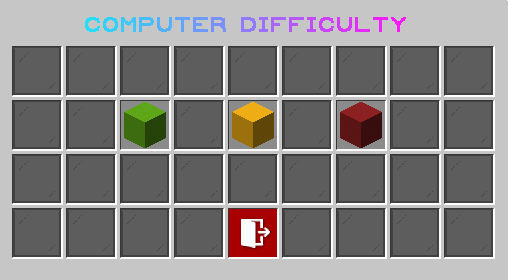
<table id="bkmrk-in-the-%2Fgames-menu%2C--1"><thead><tr><th></th><th></th></tr></thead><tbody><tr><td>In the **/games** menu, select which game you would like to play.</td><td>![](https://wiki.mineseed.org/uploads/images/gallery/2026-11/image-320.png)</td></tr><tr><td>Next, select whether you'd like to play against another player or against the computer. The player icon is the left icon and the computer icon is the right icon.</td><td>![](https://wiki.mineseed.org/uploads/images/gallery/2026-11/image-321.png)</td></tr><tr><td>Select the difficulty level of the computer (green = easy, yellow = medium, red = hard)</td><td>![](https://wiki.mineseed.org/uploads/images/gallery/2026-11/image-322.png)</td></tr><tr><td>Your game will start immediately.</td><td></td></tr></tbody></table>